Importing decks
Recall supports importing a deck package, as well as decks from Anki and Quizlet.
From a deck package
A deck package is a .zip file holding a whole deck: its fields, layouts, cards, media files and review history. You can import a deck package to recreate the deck as it was.
A package can be up to 500 MB. The structure of a deck package is documented in the deck package specification.
If reviews are included in the package and you want to import them, keep Include the review history ticked.
The spaced repetition algorithm takes all the reviews into account to calculate the new intervals.
The reviews also appear in your dashboard's heatmap. However, the deck's progress charts are not reconstructed retroactively. They resume from the import date.
From Anki
You can upload an Anki package (.apkg) to study the deck in Recall.
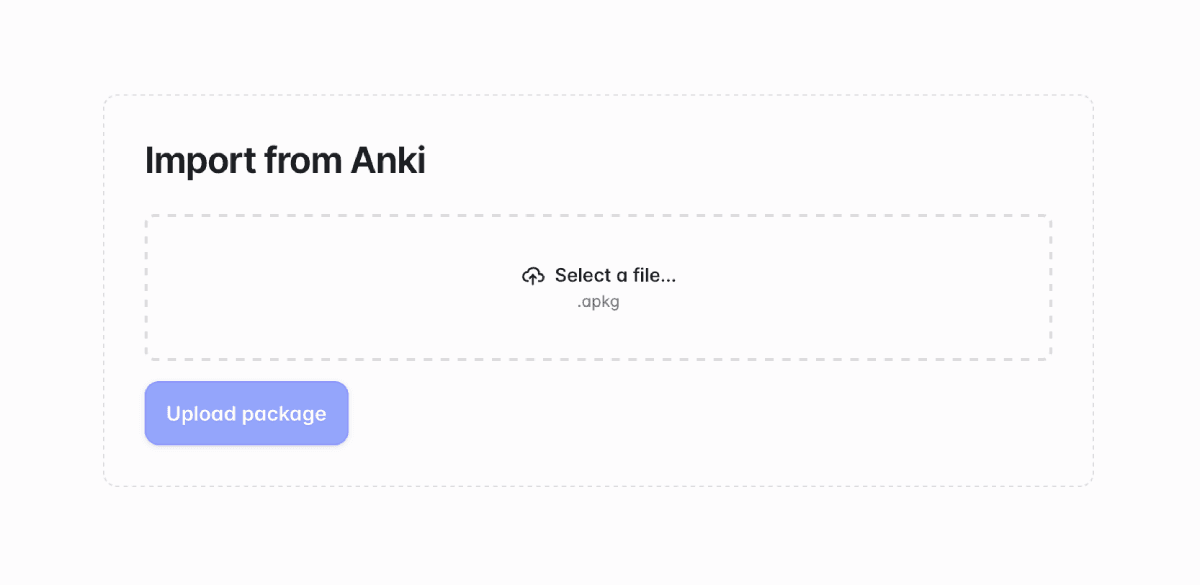
While Anki and Recall share many features, there are a few differences in terminology:
- A note in Anki is called a card in Recall.
- A card in Anki is called a card variant in Recall.
- A card template in Anki is called a card layout in Recall.
There is also a key structural difference: in Recall, the deck defines the data structure of cards. When importing an Anki deck containing multiple note types, Recall creates a deck for each.
Learn more about Recall's key concepts.
Keeping your review history
If you included the review history when exporting your Anki package, you can import it too. To do so, leave Include the review history ticked.
The spaced repetition algorithm takes all the reviews into account to calculate the new intervals, for a smooth transition.
The reviews also appear in your dashboard's heatmap. However, the deck's progress charts are not reconstructed retroactively. They resume from the import date.
Adapting the design of imported cards
Once you've imported a deck, we recommend reviewing the deck's card layout(s) to decide which fields to display and how to style them.
Limitations
There are a few limitations when importing from Anki:
- Distinct cloze deletions (
{{c1::...}},{{c2::...}}, etc.) on the same card are not supported. All text is hidden at the same time, instead of creating a card variant for each cloze deletion. - Cloze deletions on images are not supported.
- HTML, CSS, and JS in cards are not supported. Only basic elements like bold, italic, images, and links are preserved in rich content fields.
- Decks are currently limited to 5,000 cards, which prevents importing large Anki decks.
From Quizlet
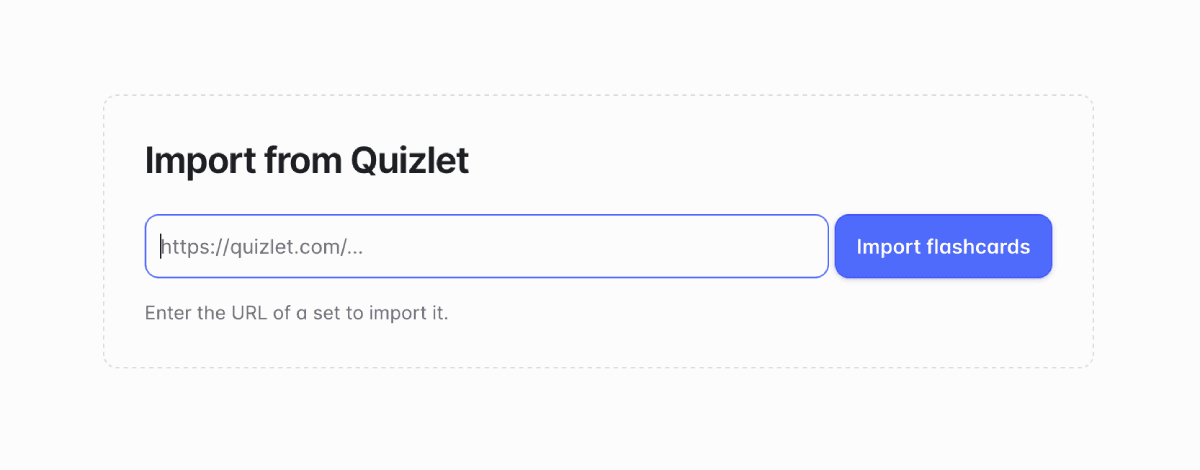
You can import a Quizlet flashcard set by copying and pasting its URL. Since Recall needs to access Quizlet to fetch the cards, the import may take a few minutes.
A deck imported from Quizlet has "Front" and "Back" rich content fields. If there are images in the set, they are imported into an additional "Image" field.
Currently, only sets not exceeding 500 cards can be imported.